Video Studio
AI video generator for product and fashion brands
Product video. One still.
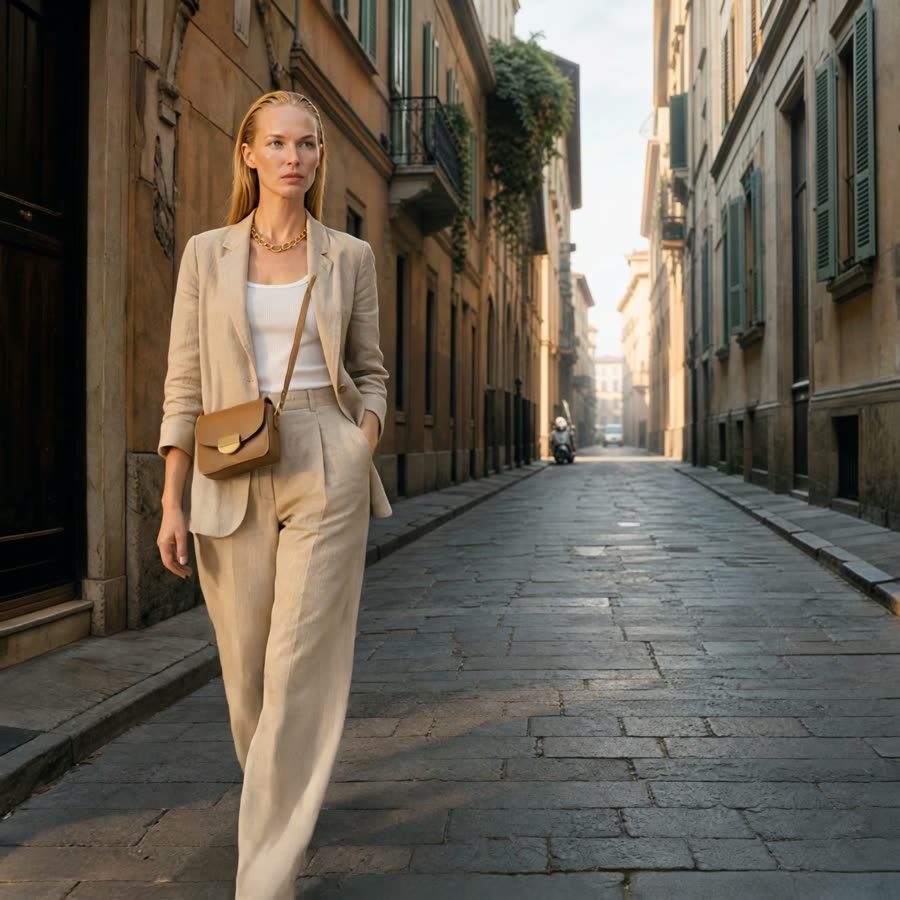
Misu turns a product photo or a campaign frame into a clip with sound. The face stays the same from the first shot to the last, and so does the product.
01
A still in. A clip out.
Misu's Video Studio animates an image you already have: a packshot, an on-model photo, a frame from a campaign you made in Misu. You describe the motion, pick a length and a format, and the clip renders with native sound on the models that support it.
It is built for e-commerce and fashion work rather than general video. The source frame carries your product and your talent, so the clip starts from something true to the brand instead of a guess from a text prompt. Every clip lands in your Library next to the stills it came from.
You never have to choose a model. On Auto, the Director reads the shot and routes it to the model best suited to it: fabric in motion, a product turning on a plinth, a walk down a street. If you'd rather choose, every model is one click away.
02
Four steps to a finished clip
A single clip takes a frame, a line of direction and a few settings.
01
Choose a start frame
Pick an image from your Library, a product photo, or upload one. On Seedance, Kling 3.0 and MiniMax H3 you can add an end frame, so the motion has somewhere to arrive.
02
Write the motion, or brief the Director
Describe what moves and how the camera behaves. Or give Autopilot a short brief such as "summer lookbook, editorial energy" and it writes the motion prompt and picks the model.
03
Set length, format and sound
Choose a duration the model supports, a ratio from 1:1, 9:16, 16:9, 4:5 or 4:3, and a named camera move: dolly in, orbit, tracking, crane up. Models with native audio show a sound toggle, on by default.
04
Render and review
The token cost is shown before you start. Finished clips appear in your Library, and renders that run long keep going in the background.
03
Control where it counts
Product video fails on small things: a logo that melts, a face that changes between cuts. These are the controls that prevent it.
The same face in every clip
Cast from Misu's licensed talent or a persona you trained. Character Lock carries that identity into video, through a trained model or the persona's reference set, so a lookbook reads as one shoot.
Your exact product
One product photo is enough to generate. Product Lock trains a model on 5 to 20 photos, so stitching, colour and shape hold as the product turns.
Start and end keyframes
Give the render a first and last frame and it moves between them. It is the reliable way to get a controlled turn, a reveal or a transition.
Reference-driven video
Some models compose a shot from references instead of one frame. Vidu takes up to 7 subject images. Seedance 2.5 Reference takes up to 50 references, including video clips and audio.
Native audio
Seedance, Kling 3.0, Veo 3 and MiniMax H3 generate sound with the picture: footsteps, fabric, room tone. MiniMax H3 renders stereo audio on every clip.
An Avoid field
A negative prompt for video. List what must not appear, such as "blurry, distorted, text, watermark, extra limbs", and the render steers away from it.
04
The models behind a shot
Misu picks per shot. For those who like to know, these are the video models people ask about most, and what each is strongest at.
| Criteria | Strongest at | Length and inputs |
|---|---|---|
| Seedance 2.5 | Cinematic single takes, fabric in motion | Up to 30 seconds, native audio, start and end frame |
| Seedance 2.5 Reference | Holding a cast and a product across a long take | Up to 30 seconds, up to 50 image, clip and audio references |
| Kling 3.0 | Product and fashion motion, turntables, detail shots | Up to 15 seconds, native audio, end frame on Omni and Pro |
| Veo 3 | Lensing, cinematography and atmosphere | Up to 8 seconds, native audio |
| MiniMax H3 | People and lifestyle scenes in 2K | 5 to 15 seconds, stereo audio, start and end frame |
| Vidu | Several characters or products in one shot | Up to 8 seconds, up to 7 subject references |
05
Films, not just clips
Storyboard lays a multi-shot film out on a timeline. Give it a brief, a total length between 15 and 60 seconds and one of thirteen video types, from E-Commerce Ad to Fashion Lookbook, and it plans the shots as blocks you can drag and reorder. When a shot needs to run past a model's limit, drag its edge and a second clip continues from the first clip's last frame. Export renders the whole timeline as one video.
Coverage works from footage you already filmed. Upload one continuous take of 4 to 30 seconds, say what must stay the same, and Misu plans up to 12 cuts across twelve camera setups, then re-shoots the performance from angles that were never filmed. The plan is free to edit. Nothing is charged until you press Generate.
06
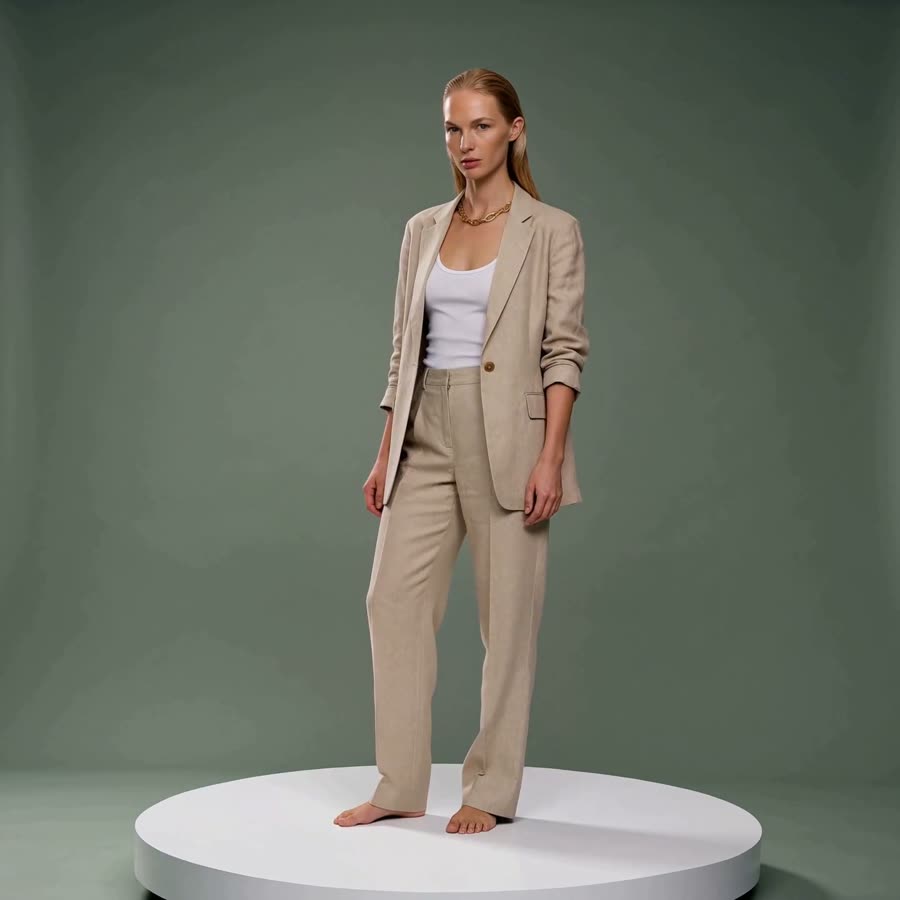
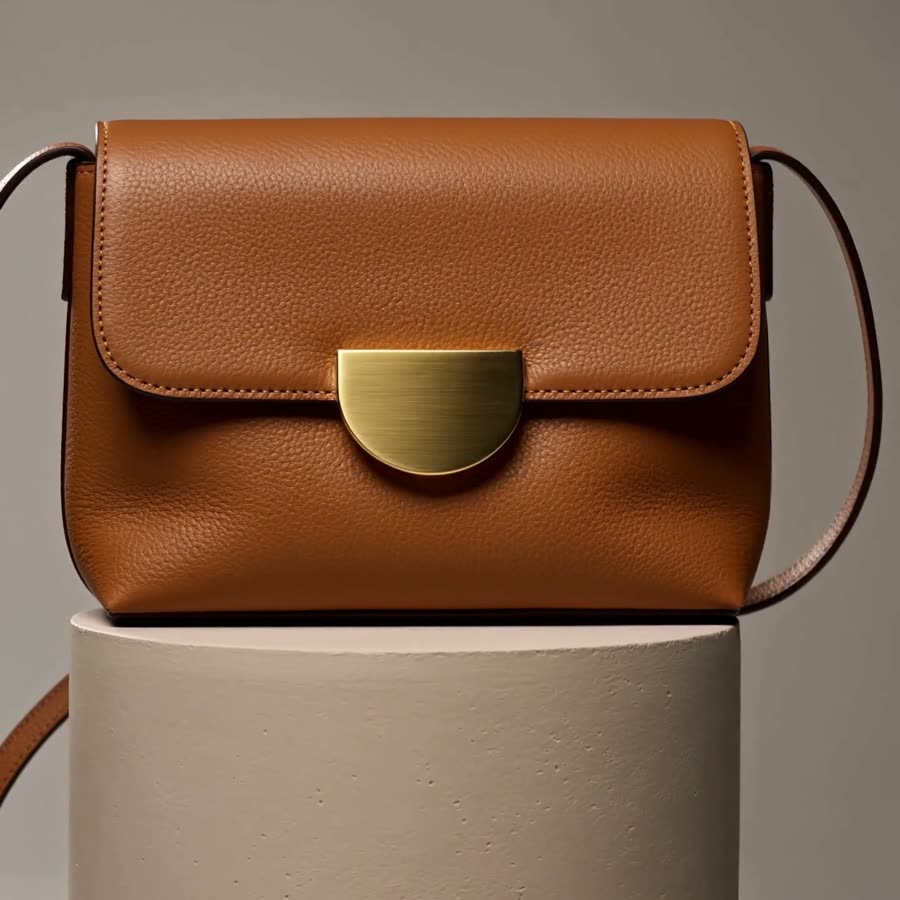
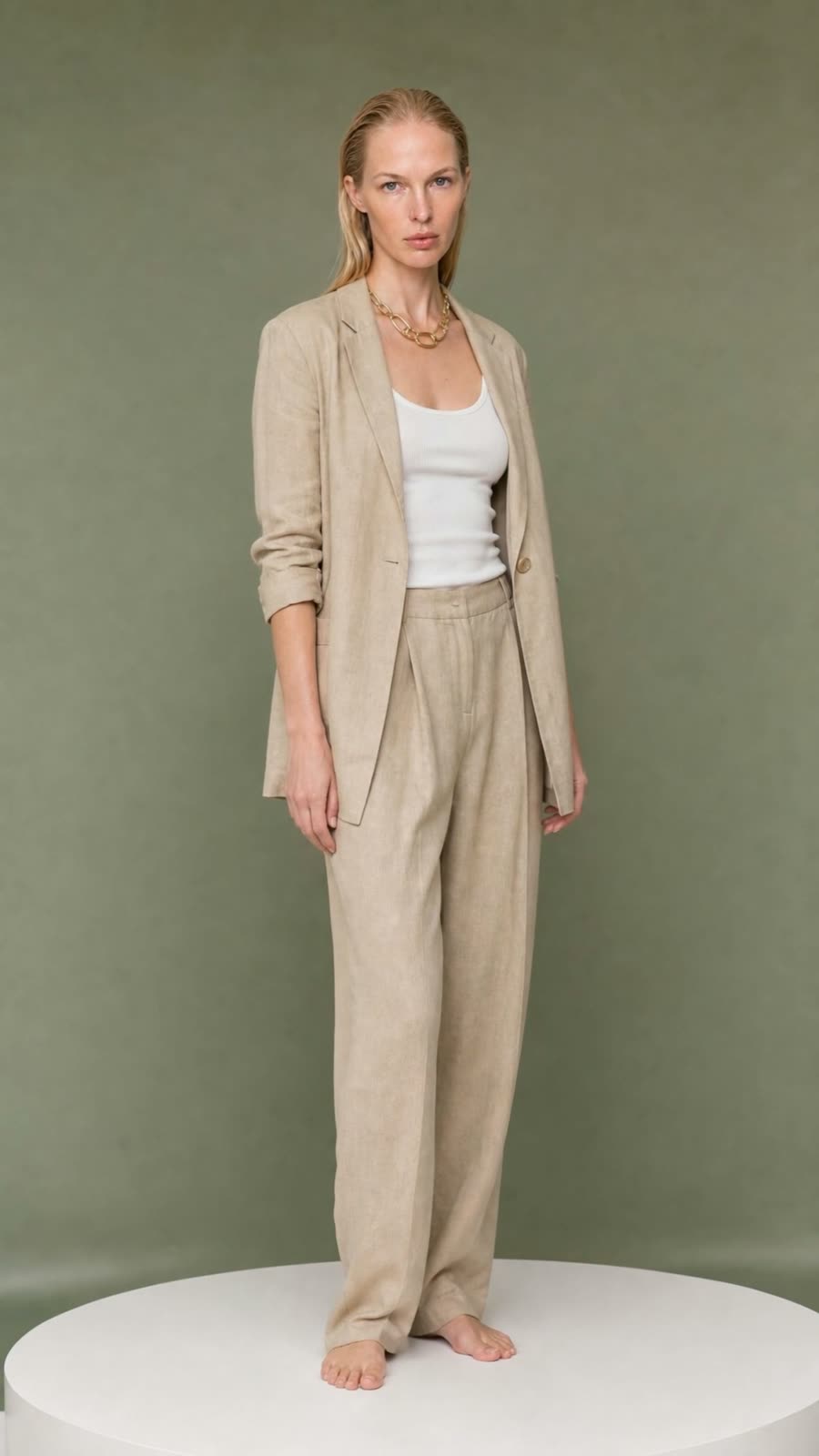
Frames from Misu clips
Poster frames from video made in Misu, each animated from a still.
07
Video techniques to start from
Ready-made workflows with their inputs and cost declared up front.
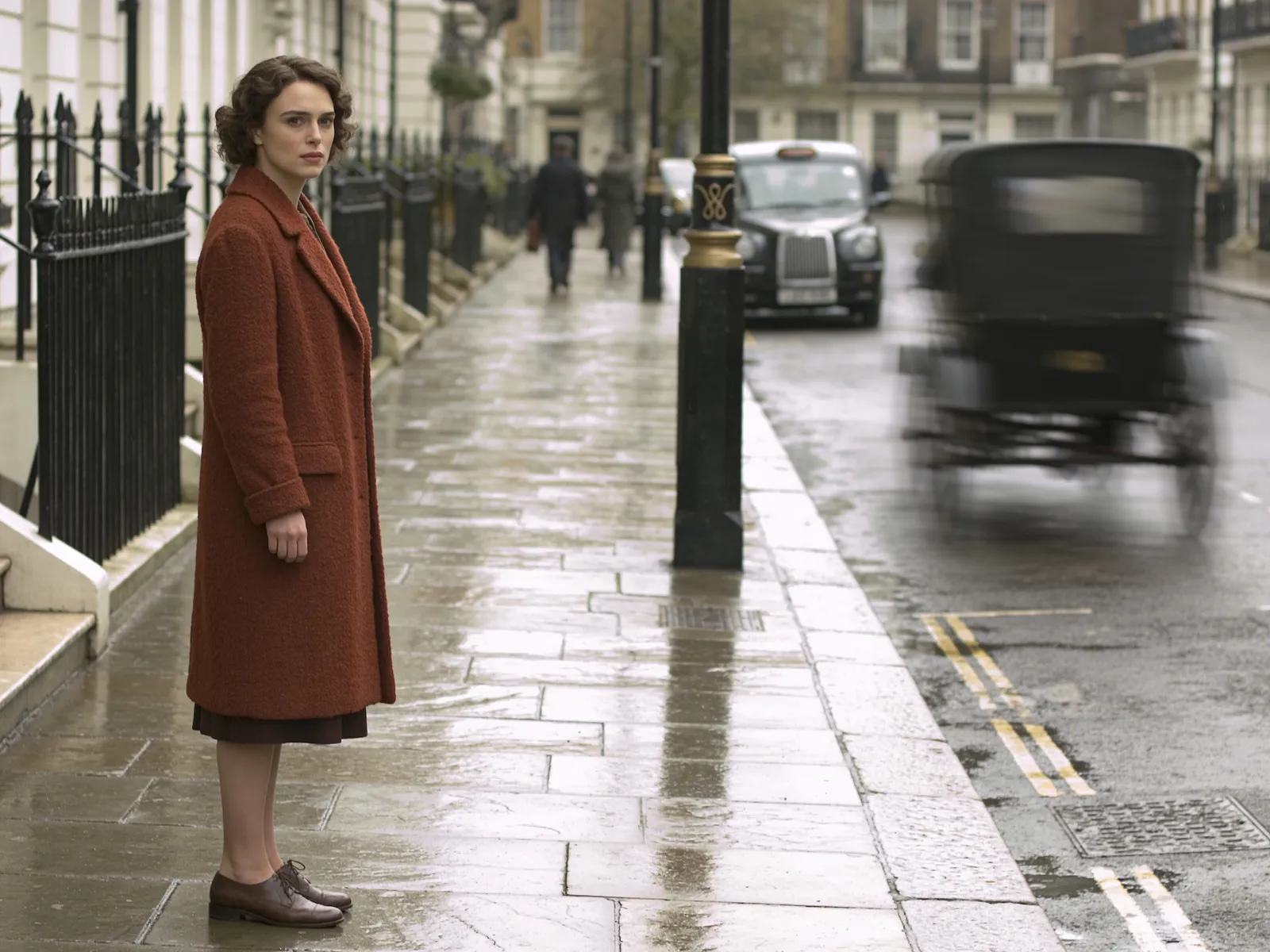
Image to Video
Give a still image motion — a slow push, a drift, a turn — and get a clip ready for social.
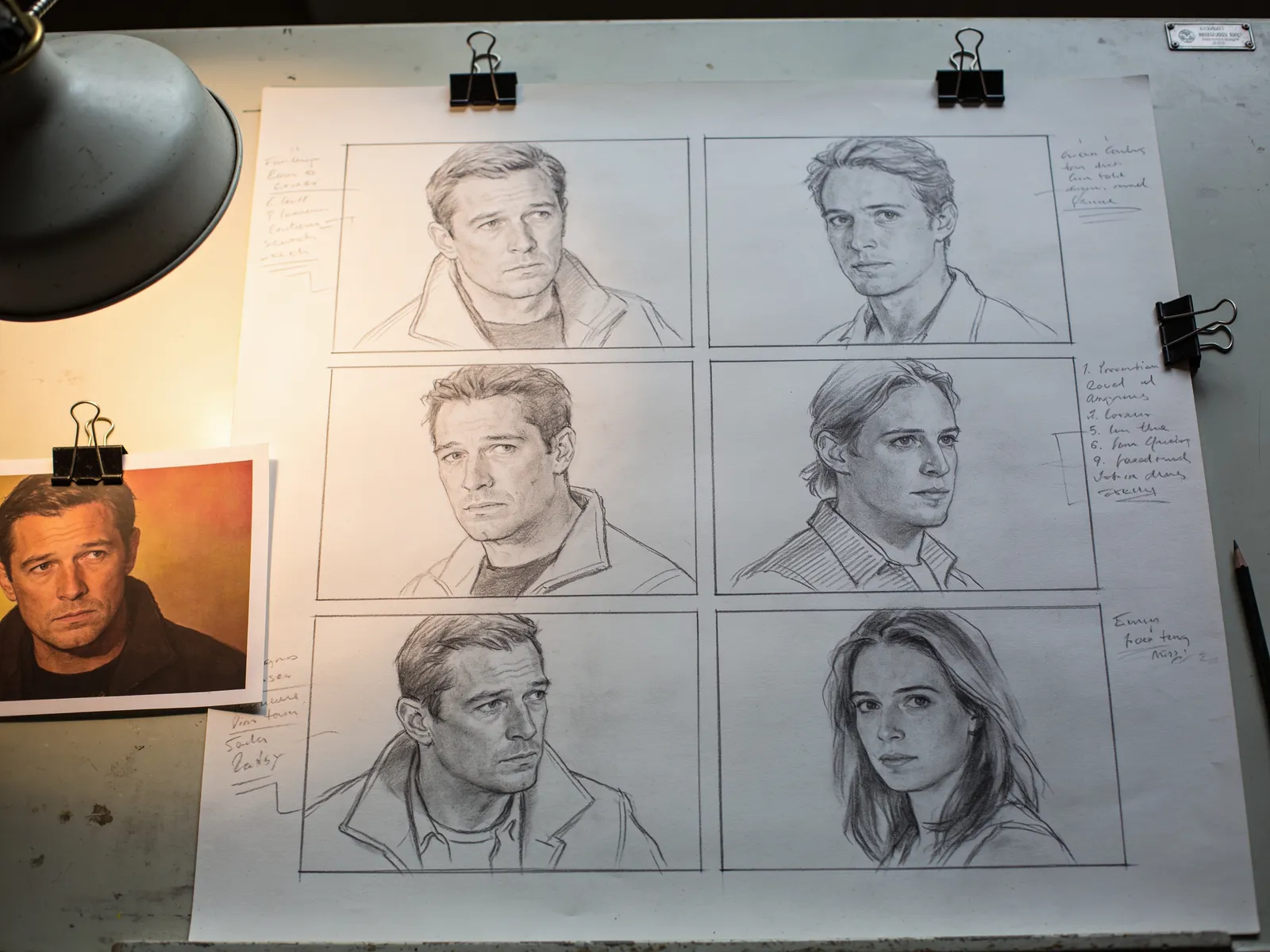
Storyboard from a Still
One reference frame and a list of shots becomes a whole storyboard, every panel holding the same look.
Product Voiceover
Type the script, get a clean read you can drop straight onto a cut.
Sound Bed
Describe the mood and get a music bed sized for a short clip.
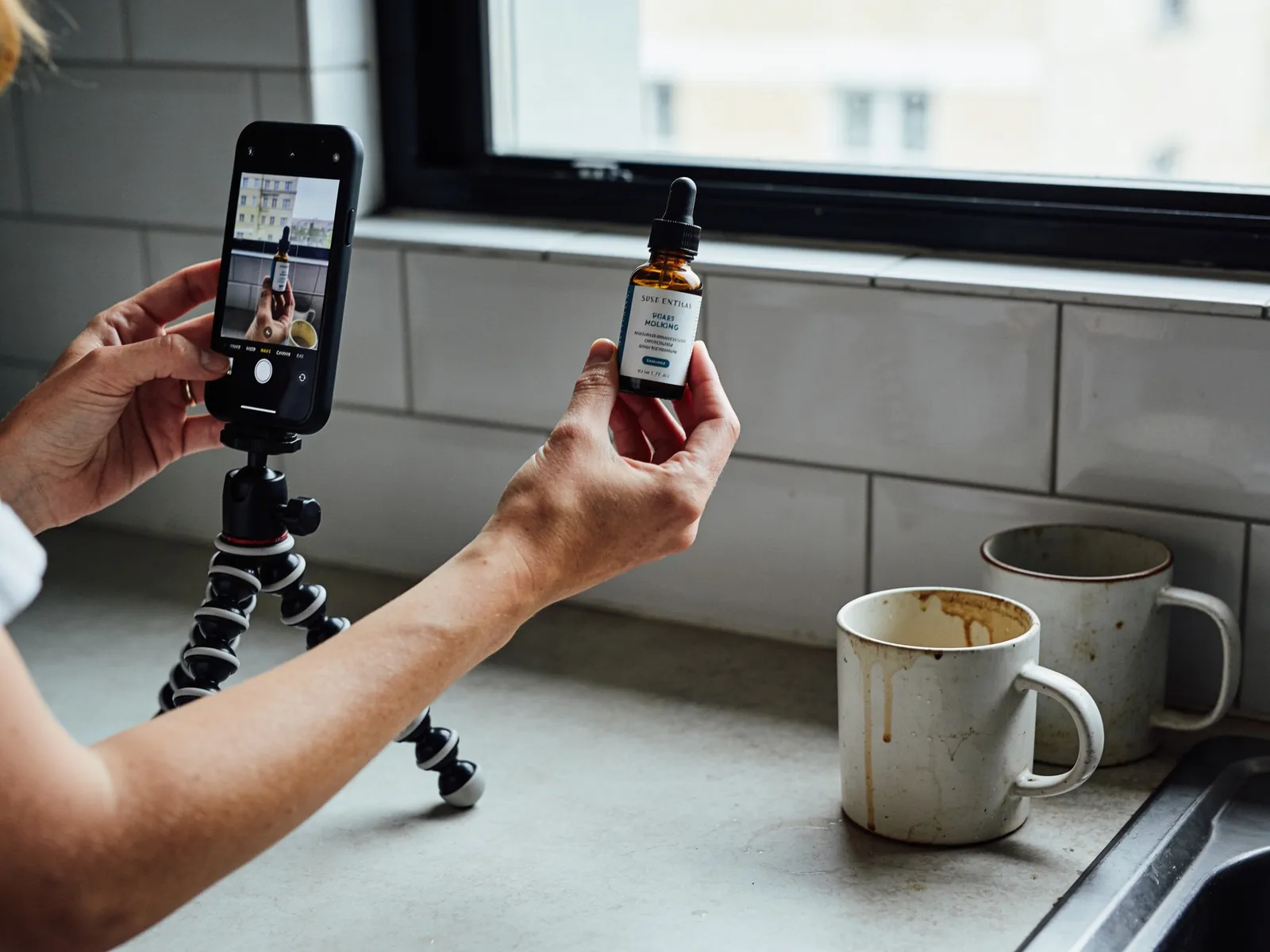
UGC Clip with Voiceover
One product photo becomes a vertical, handheld-looking clip with a voice track to match — the whole post, not just the picture.
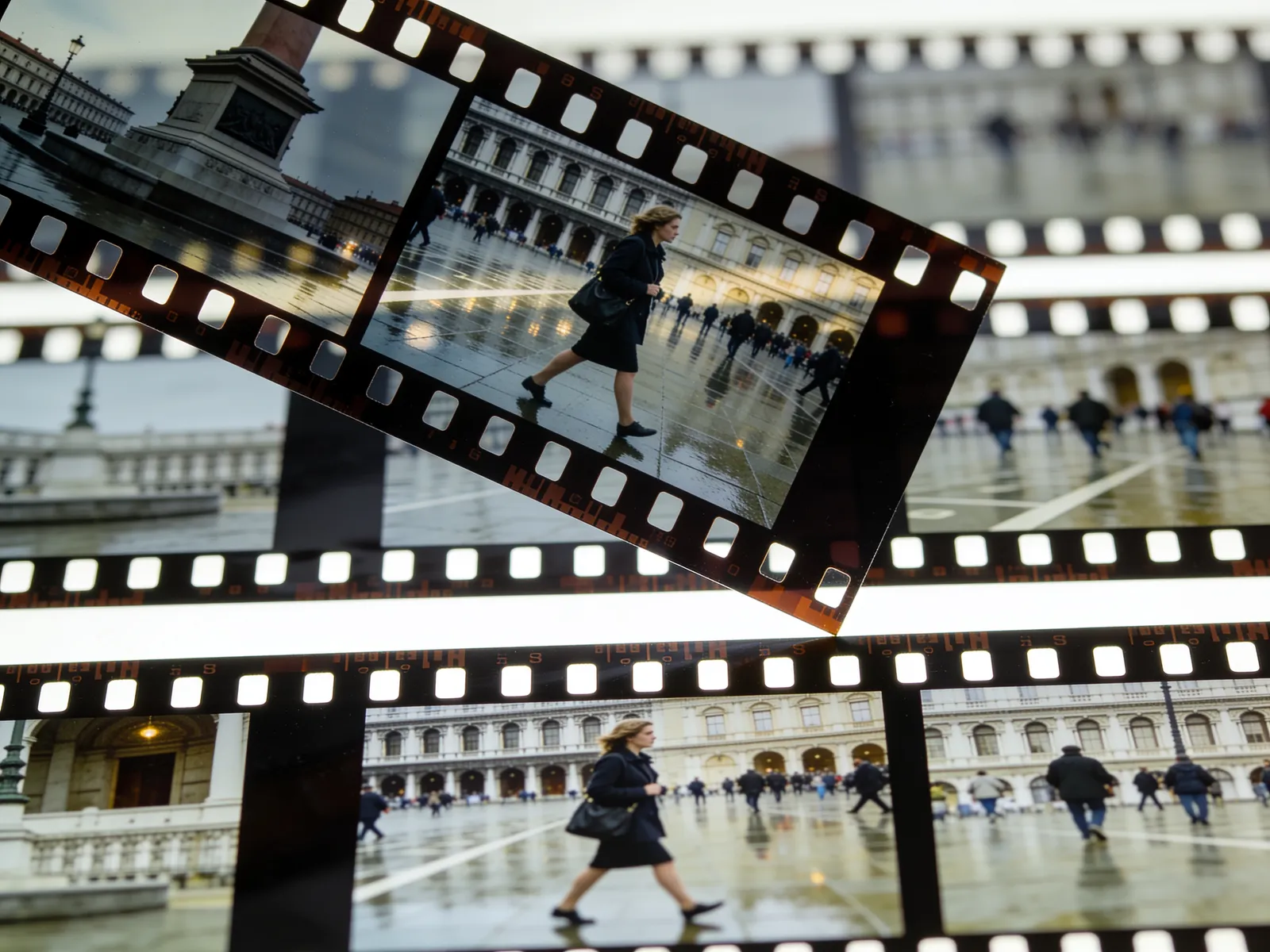
Extract Frame from Video
Pull a single still out of a clip — the first frame, the last, or one at a time you choose.
08
Questions people ask
What is the best AI video generator for e-commerce?
There isn't one model that wins every shot. Kling 3.0 is strong on product motion, Seedance 2.5 on fabric and long cinematic takes, Veo 3 on atmosphere. Misu routes each shot to the model suited to it, and starts from your own product and talent so the clip stays on brand.
Can I make a product video from a single photo?
Yes. One product photo works as a start frame. For products that must hold exact detail through movement, lock the product first by training it on 5 to 20 photos.
Do the videos have sound?
On models with native audio, yes: Seedance, Kling 3.0, Veo 3, MiniMax H3 and LTX Video. Sound is generated with the picture and can be switched off. You can also add a voiceover or a sound bed as a separate step.
How long can an AI video clip be?
It depends on the model. Seedance 2.5 renders single takes up to 30 seconds, Kling 3.0 and MiniMax H3 up to 15, Veo 3 up to 8. Storyboard chains clips into films of up to 60 seconds and exports them as one file.
Can I keep the same model's face across several clips?
Yes. Cast talent from Misu's board or a persona you trained, and Character Lock carries that identity across every clip and still in the campaign.
How much does AI product video cost on Misu?
Video is priced in tokens, and one token is €0.005. A 5-second video is about 156 tokens, a 15-second cinematic clip about 2,517. Video starts on Studio Pro at €149 a month; Starter at €29 is images only.
Who owns the videos I make?
You do. Every plan includes full commercial rights to every generated asset, worldwide.
Can Misu's team make the video for us?
Yes. Brief the team from Projects in your workspace. A creative director scopes the work and sends a quote before anything is charged, from €1,200 per shoot.
Get started
Your product.
The same face in every shot.
Full commercial rights · Licensed models · Stockholm
Misu is in private beta. We onboard every brand personally and set up your first product and model with you.
PRIVATE BETA · ONBOARDED PERSONALLY · FOUNDING PRICING LOCKED