Shopify connection
Shopify AI product photos from your own catalogue
Your store in. New photos out.
Connect a Shopify store to Misu and your catalogue arrives with its photos. Every product you sell becomes something to shoot: packshots, scenes, on-model looks and video.
01
How Misu connects to Shopify
Misu connects to your store directly from inside your workspace. It is not an app you install from the Shopify App Store. You enter your store domain, for example my-store.myshopify.com, approve access in Shopify, and you are sent back to Misu with the store connected.
Misu asks Shopify for permission to read products, orders, analytics and inventory, and to write products. The write permission is used for one thing: adding a photo to a product when you press Push to Shopify. Nothing else is written to your store. The access token is encrypted at rest, and disconnecting clears it.
Once connected, the store is a source like any other in Misu. An imported product sits in the same catalogue as products you uploaded or pulled from a URL, so it can be used in Generate, Wardrobe, Campaigns and Video Studio. The store never has to be restructured to fit Misu, and nothing in Shopify moves unless you push it.
02
From store to new product photos
01
Connect the store
From Marketing, then Channels, enter your myshopify.com domain and approve the connection in Shopify.
02
Sync products
Sync Products pulls your full catalogue into Misu: titles, product types, tags, variants, prices, inventory and images.
03
Import what you want to shoot
Import products one at a time or all at once. Photos are copied into your workspace, and anything already imported is skipped.
04
Generate and publish
Make new images from the imported product and download them from your Library. Push to Shopify, on the product's page in Misu, adds its lead photo to the linked Shopify product.
03
What a synced product can become
An imported product behaves like any product in Misu. It works everywhere in the Studio, and anything you make with it stays in your Library even if the store is disconnected.
Packshots and scenes
One photo is enough to generate. It rides along as a reference, so the render shows your product, not a lookalike, on a plinth, a counter or a beach.
Product Lock
Train a dedicated model on 5 to 20 photos. Misu scores validation shots against your originals, and the product only locks once it clears the quality bar.
On-model looks
Set a category and the product appears in Wardrobe, ready to put on a model with shoes, accessories, a pose and a backdrop.
Ghost mannequin and spin
Each product page has a 3D Mannequin tab: a ghost mannequin shot and a 360° spin view for your product page.
Campaign sets
Brief a shoot once with the E-com PDP set preset, and Campaigns produces a consistent set with the same model across every shot.
Store figures
A connected store feeds revenue, order and average order value tiles on your Misu dashboard, from the last 90 days of orders.
04
What moves, and which way
Every way data moves between your store and Misu, so you know exactly what the connection touches.
| Criteria | Direction | What it covers |
|---|---|---|
| Sync Products | Shopify to Misu | Titles, handles, types, tags, variants, prices, inventory and image links |
| Import | Shopify to Misu | Selected products become Misu products, with their photos copied over |
| Store metrics | Shopify to Misu | Orders and revenue from the last 90 days |
| Push to Shopify | Misu to Shopify | The product's lead photo, added to the linked listing's media alongside what is already there |
| Disconnect | Neither | The access token is cleared; imported products and images stay in Misu |
05
Product photos for every channel
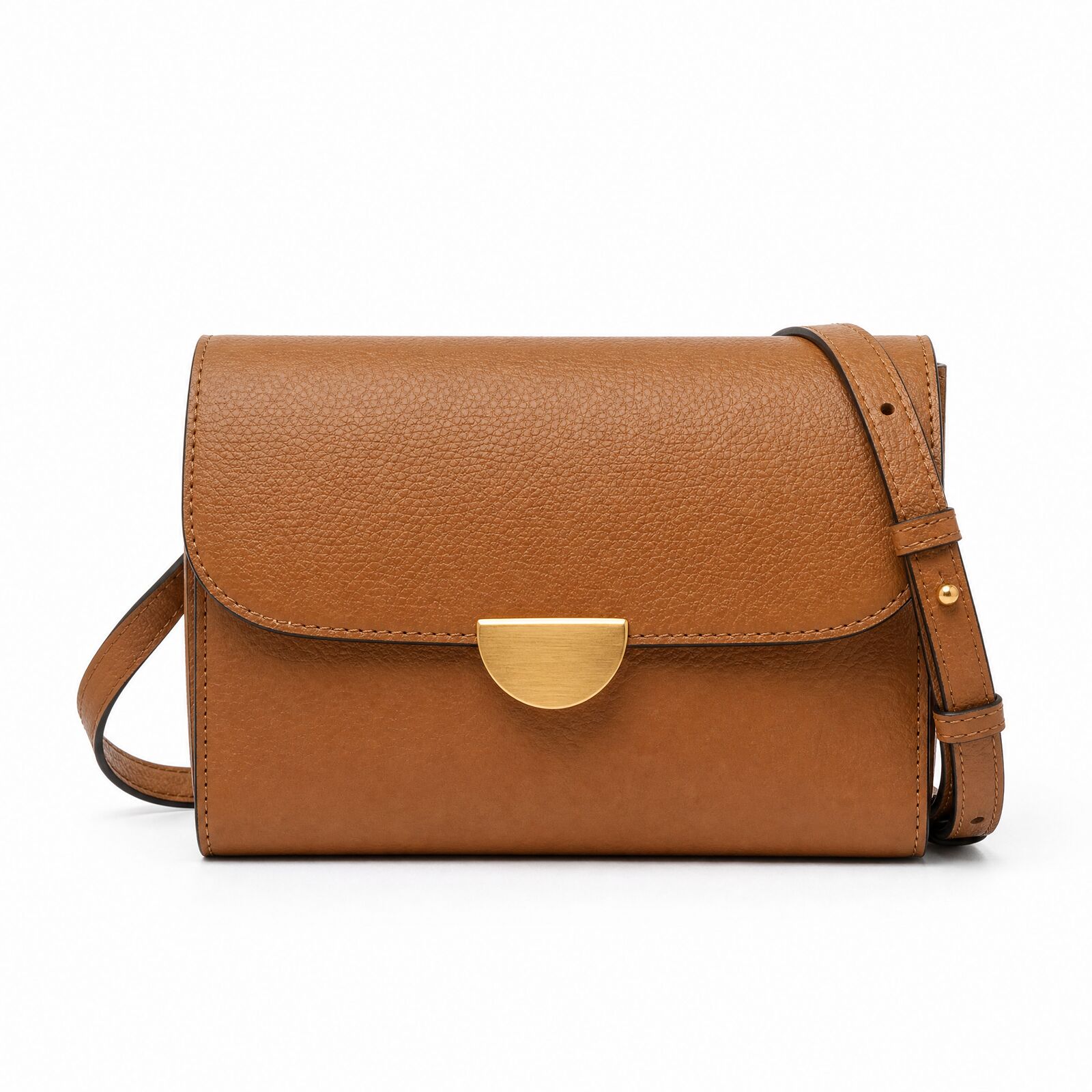
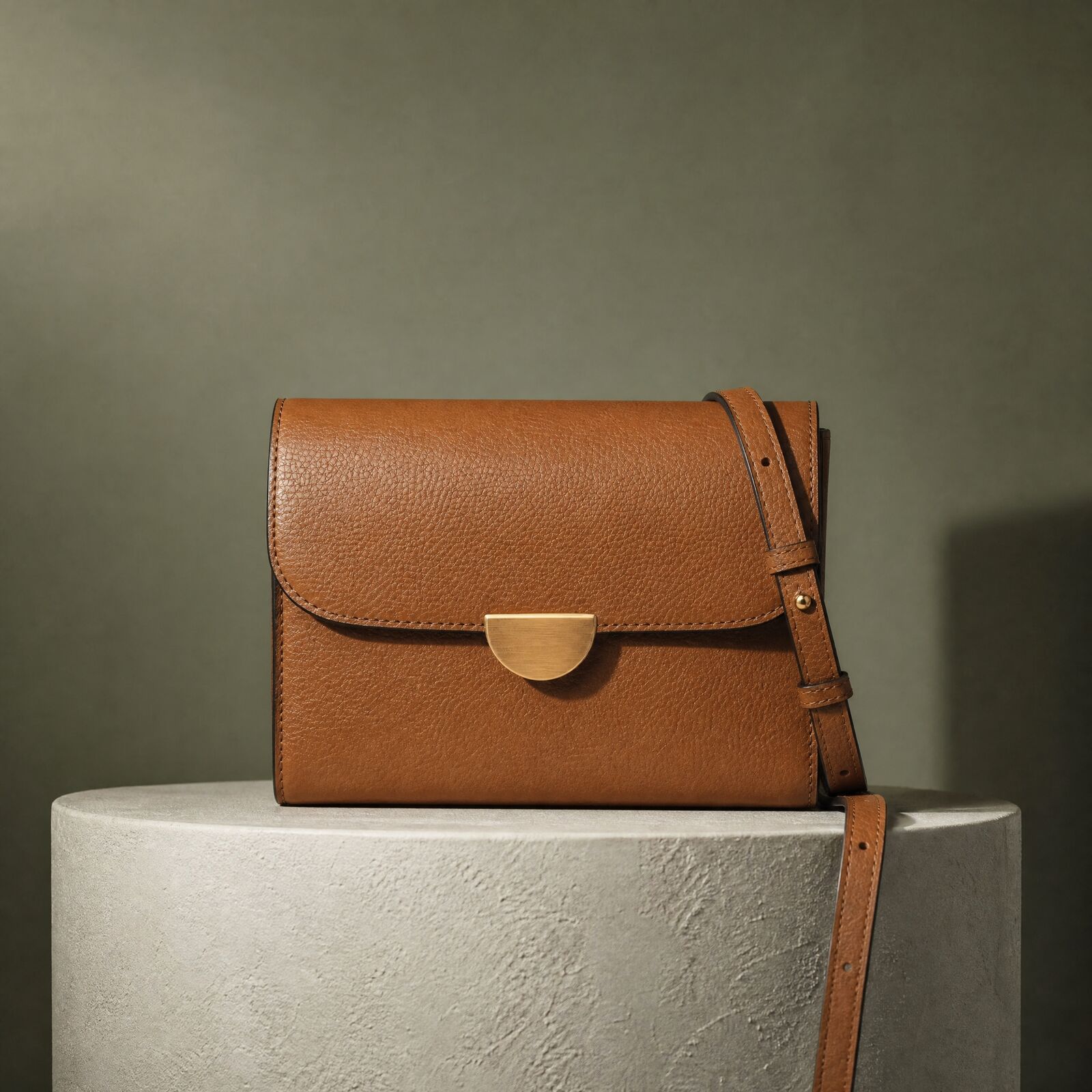
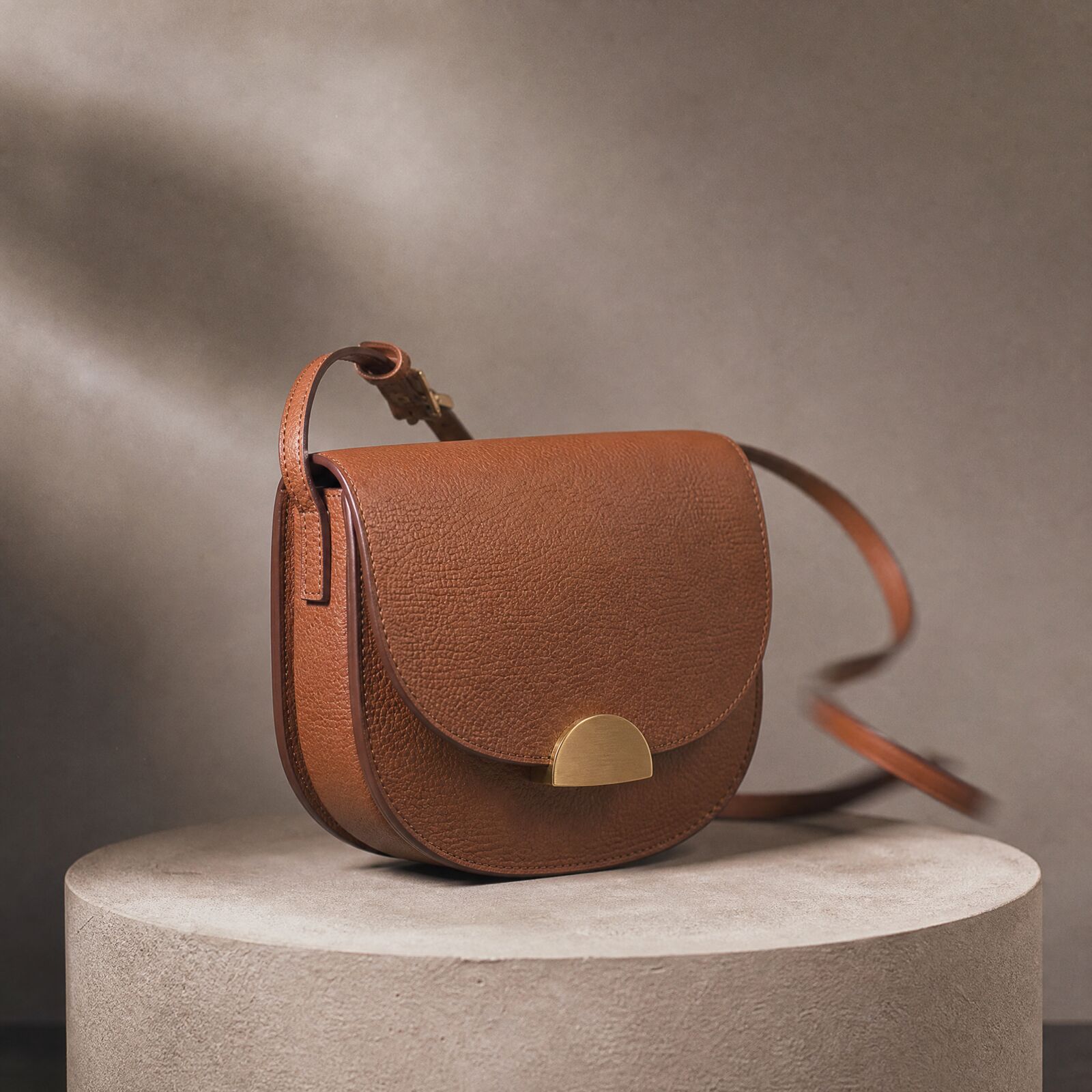
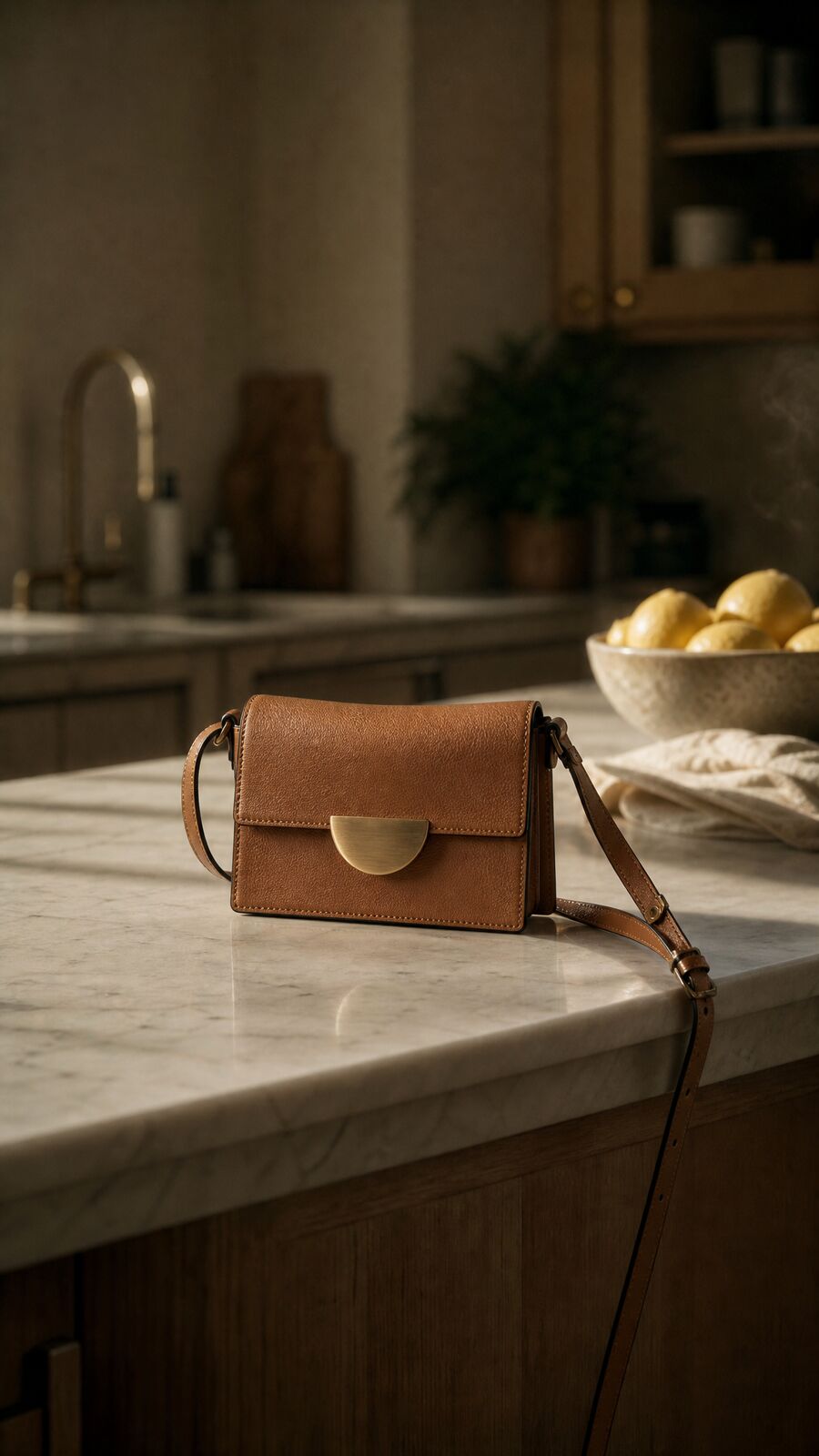
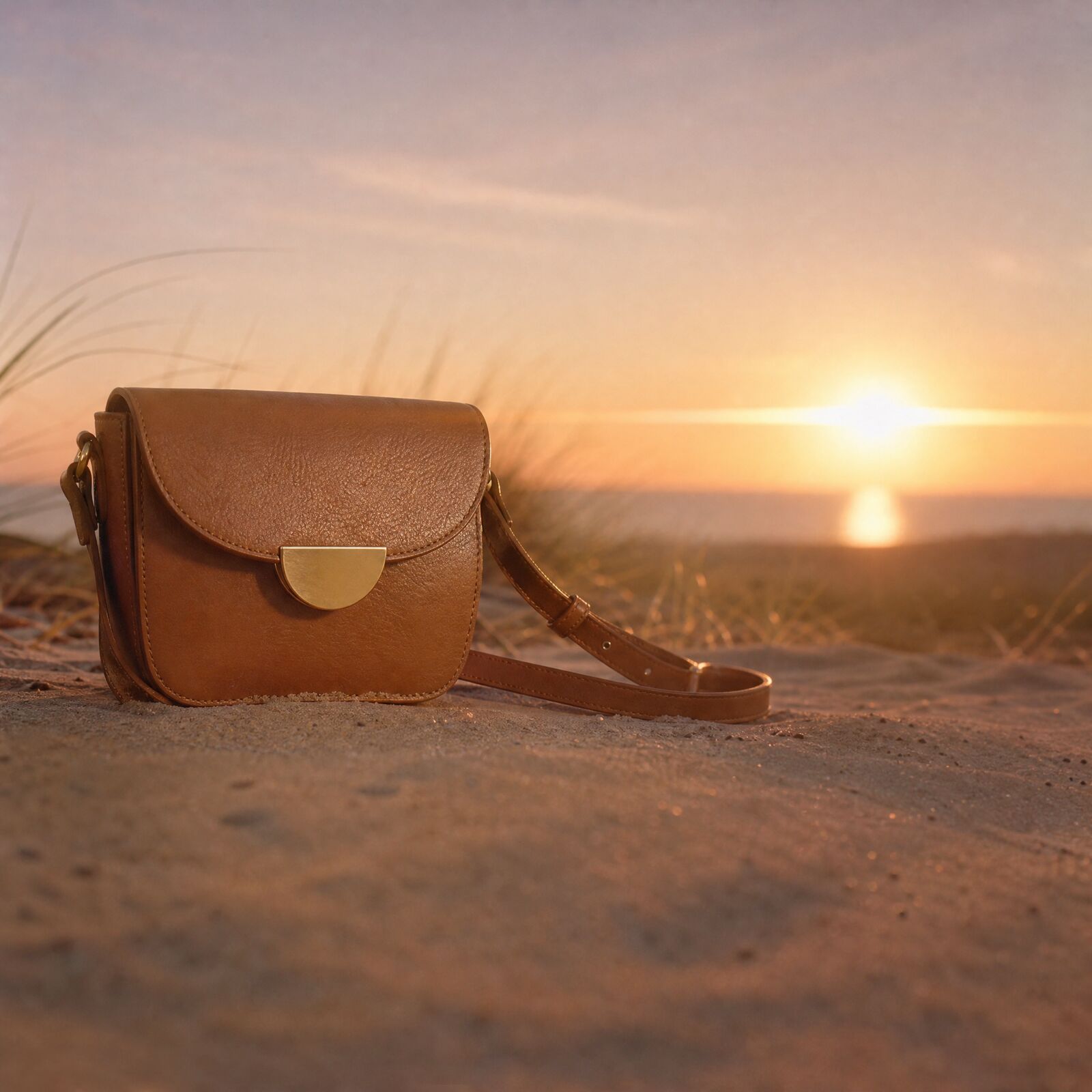
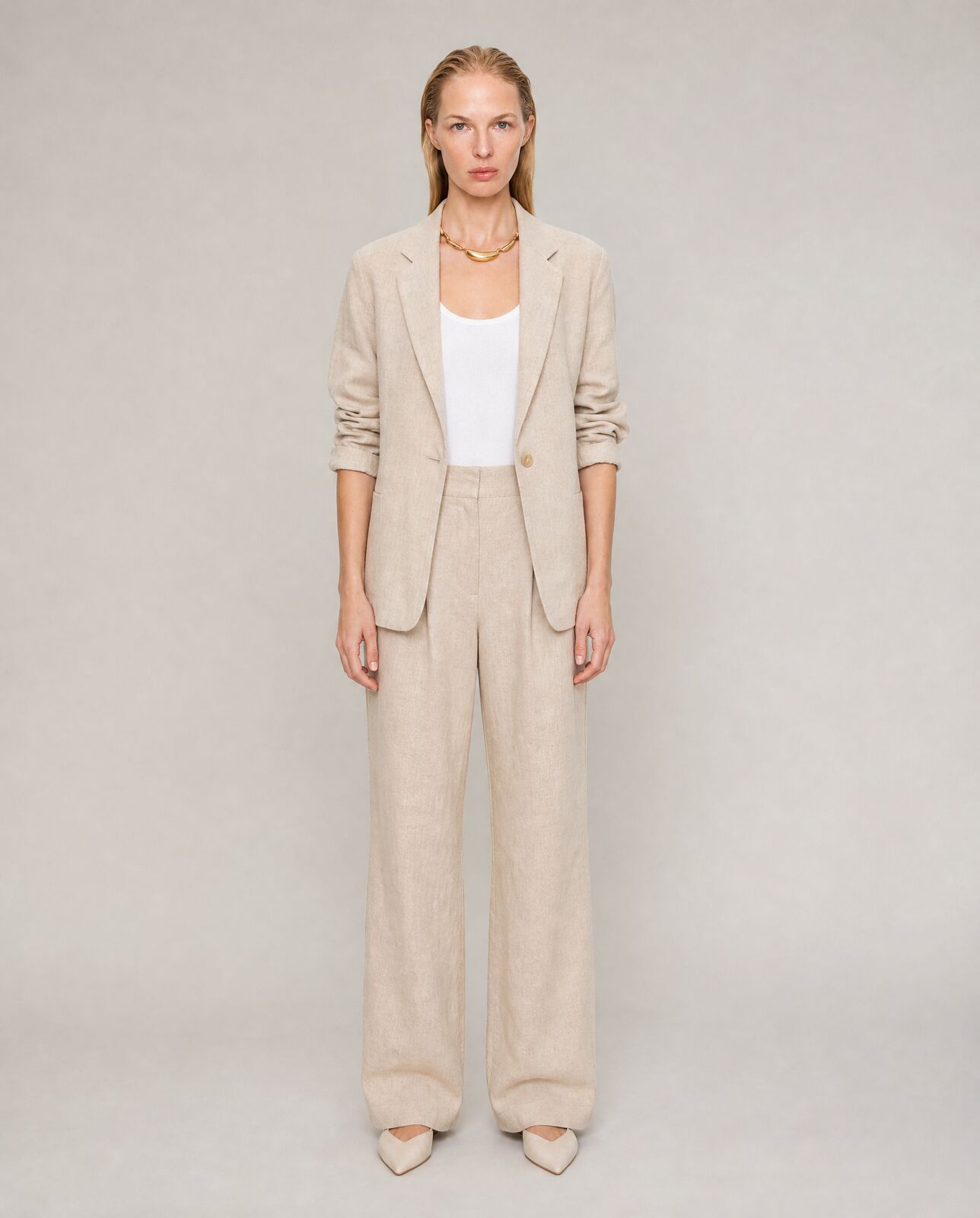
Leather bags and a linen suit, made in Misu for the product page, the homepage and social.
06
Techniques for a Shopify catalogue
Built for many products at once, and for the images a product page runs on.
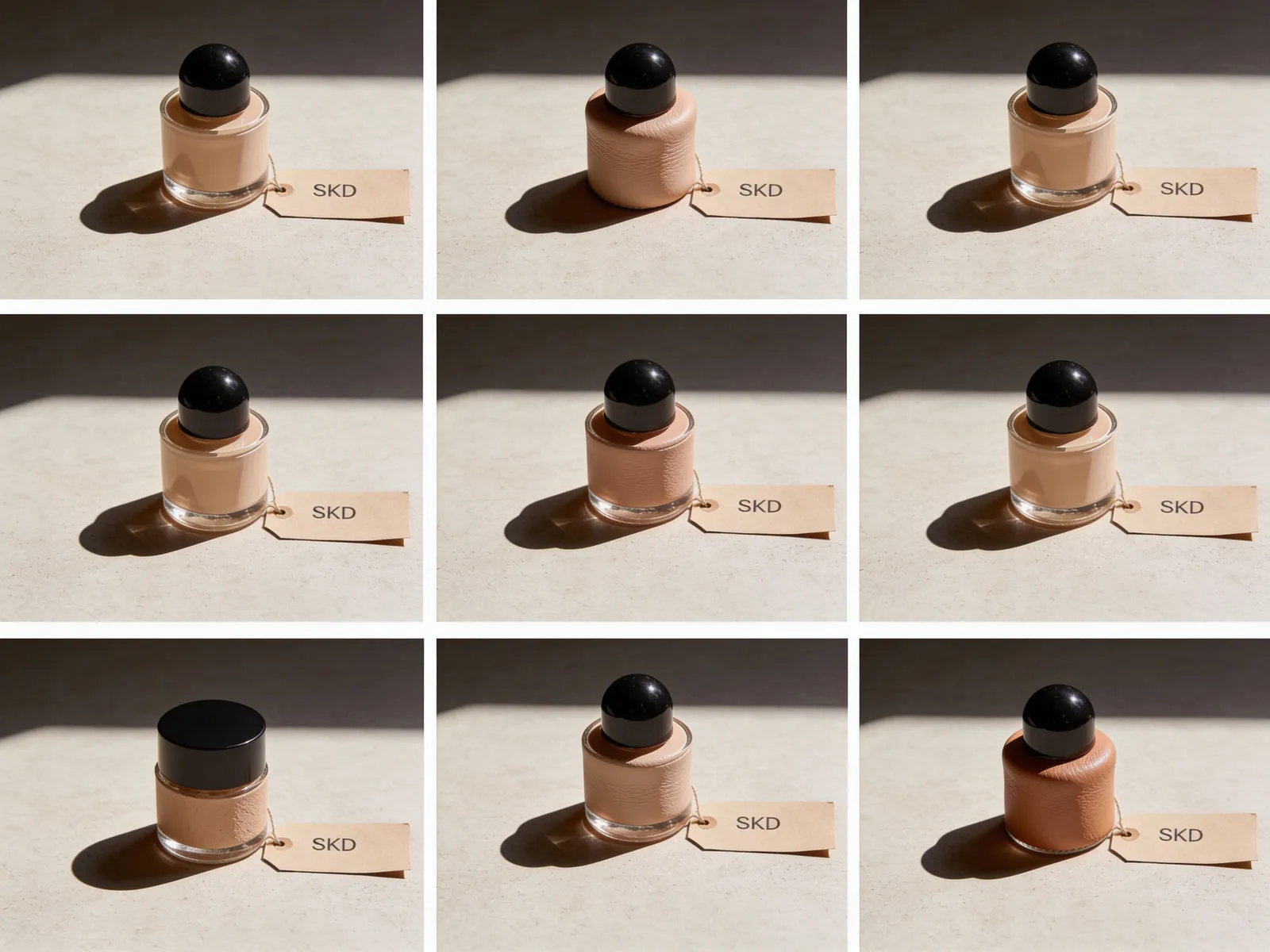
Batch Product Photos by SKU
Paste a list of SKUs and get the same treatment applied to every one of them in a single run.
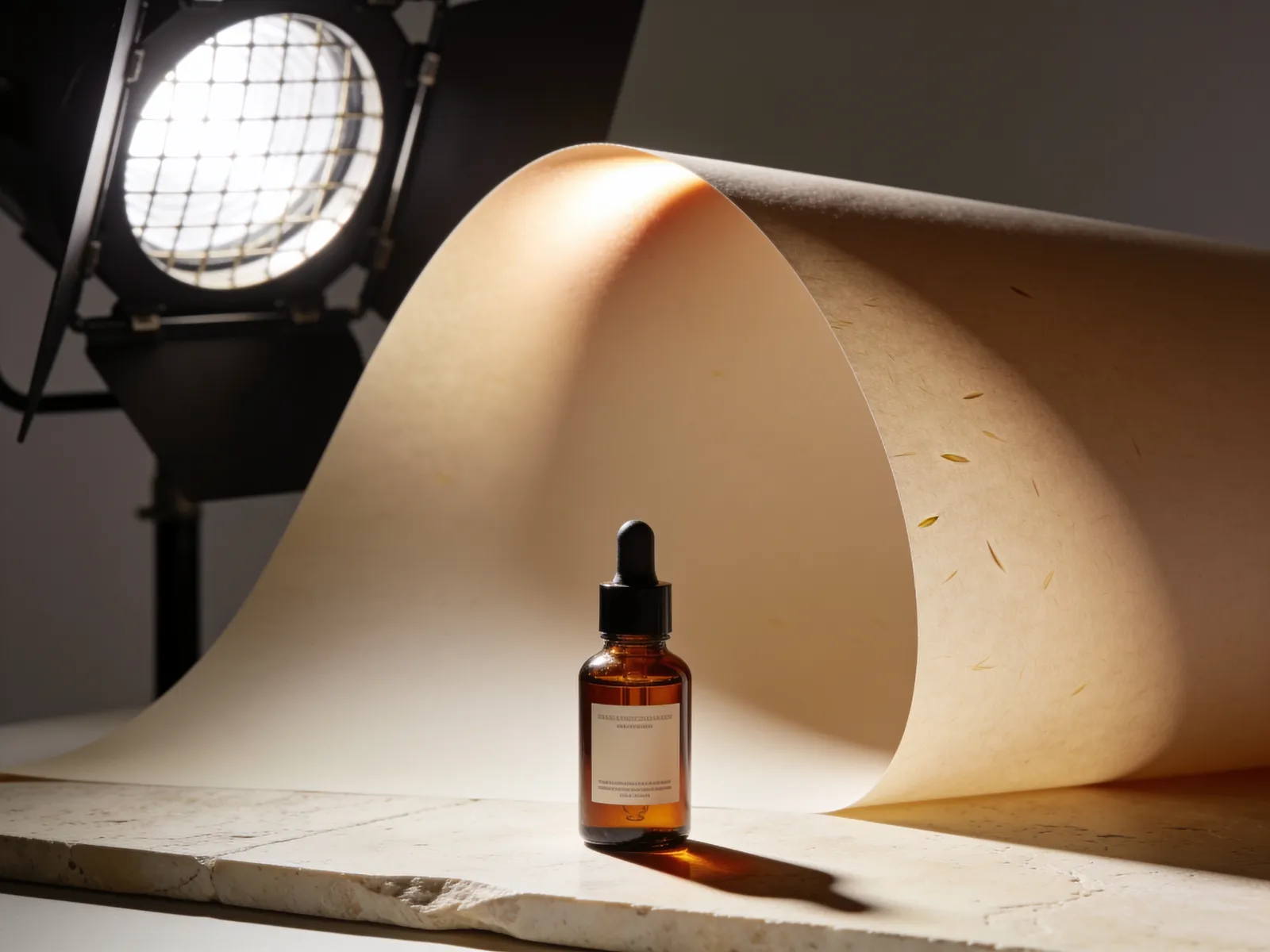
Product Hero Shot
Turn one product photo into a clean hero image that matches your brand's look, without a studio booking.
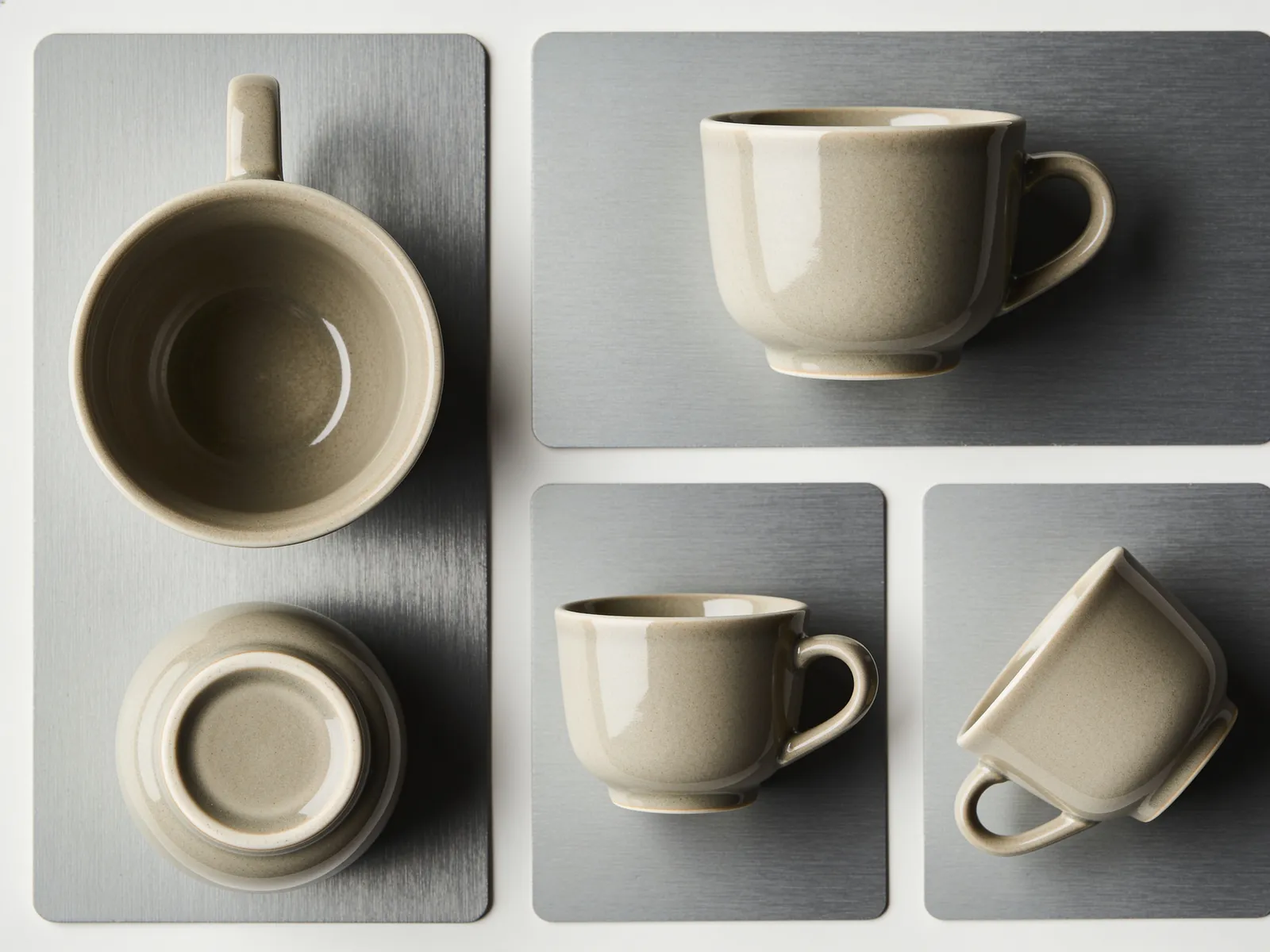
Multi-Angle Product Shots
Shoot the same product from several angles without setting the product down again.
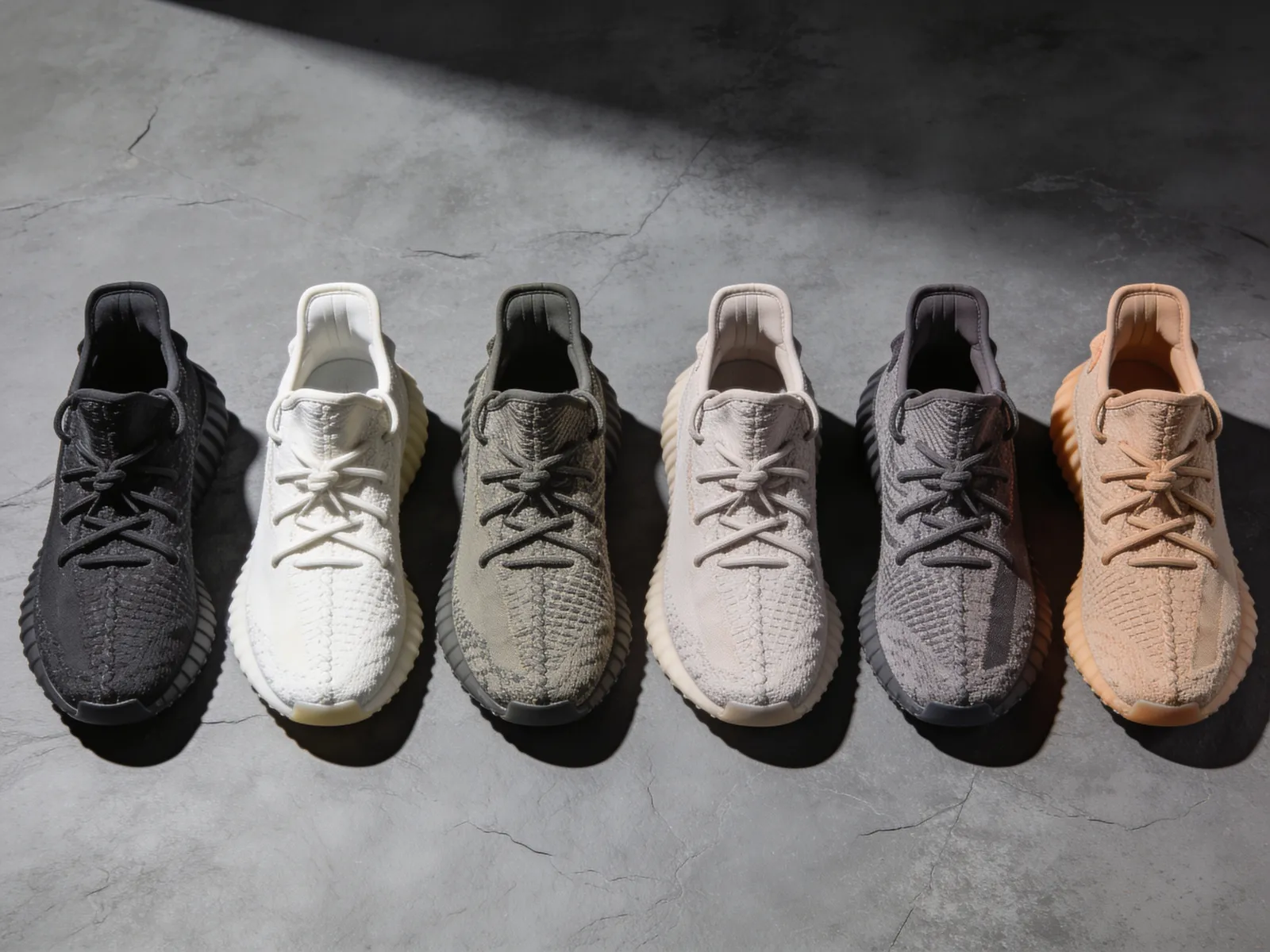
Batch Background Swap
Drop a whole set of product shots onto a new backdrop and keep the products pixel-identical.
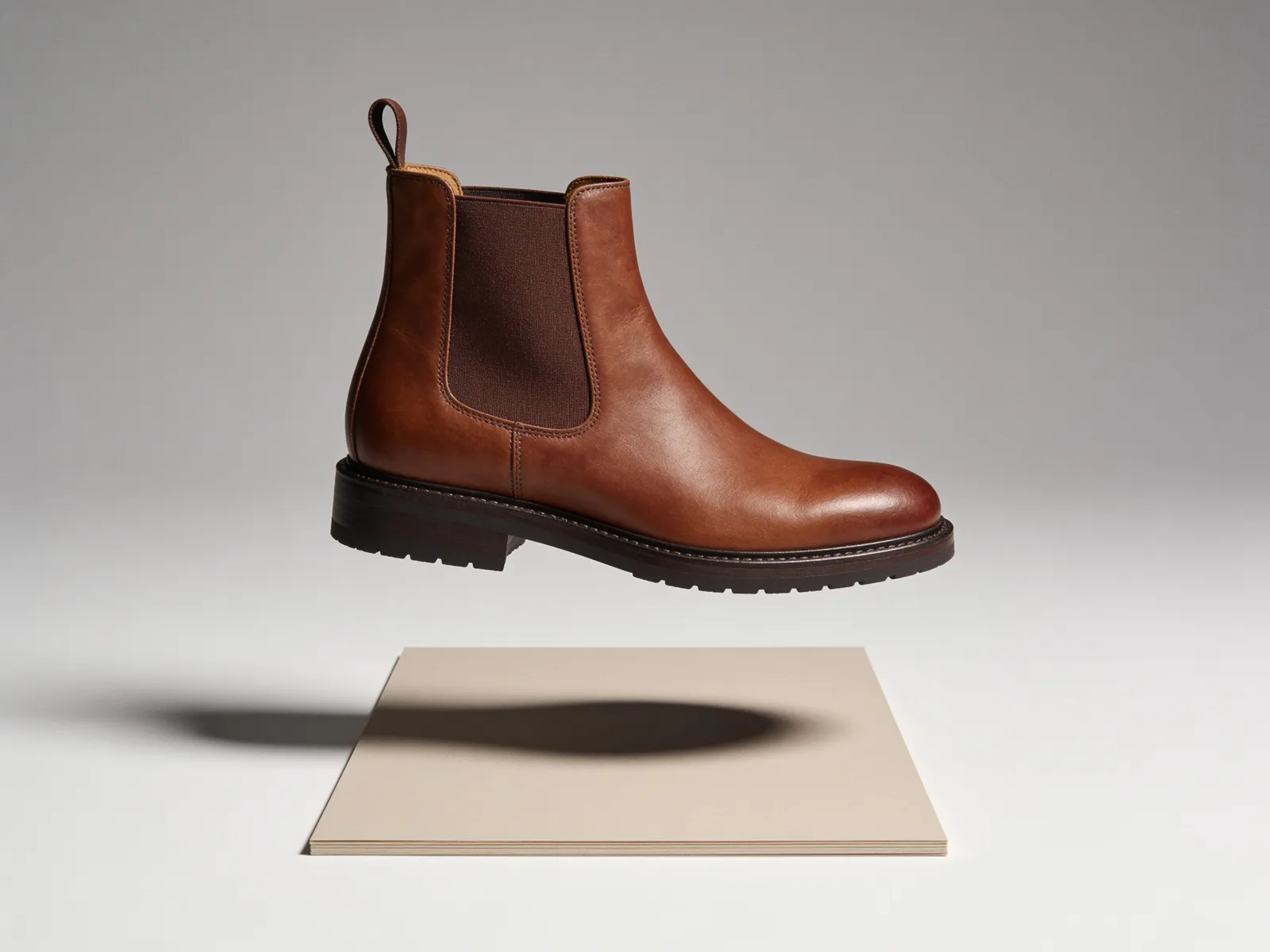
Background Remover
Cut any subject out of its photo and get back a clean image ready to drop into a new scene.

Image to Video
Give a still image motion — a slow push, a drift, a turn — and get a clip ready for social.
07
Questions people ask
Is Misu a Shopify app?
Not an App Store app. Misu is not listed on the Shopify App Store; you connect your store from inside Misu by entering its myshopify.com domain and approving access in Shopify.
How do I make AI product photos for my Shopify store?
Connect the store, sync and import your products, then generate from them in Misu. Each imported product arrives with its photos, and one photo is enough to start.
Do imported products keep their photos?
Yes. Import copies each product's Shopify images into your Misu workspace, ready to generate from or to train Product Lock.
Can Misu upload images to my Shopify products?
Yes, one product at a time. Push to Shopify on a product's page in Misu sends that product's lead photo to the linked Shopify product. It adds to the listing's media and never replaces or deletes existing images. Other images download from your Library.
Does the catalogue stay in sync automatically?
Syncing runs when you press Sync. New Shopify products show up after the next sync, ready to import. Products already imported into Misu keep their own photos and edits and are not overwritten.
What if a product isn't on Shopify?
Import it from its product page URL instead, which pulls in the name, description and images found there. Or upload photos directly.
Which plan do I need?
Image generation starts on Starter at €29 a month. Video and Product Lock training unlock on Studio Pro at €149.
Who owns the images I make from my products?
You do. Every plan includes full commercial rights to every generated asset, worldwide.
Get started
Your product.
The same face in every shot.
Full commercial rights · Licensed models · Stockholm
Misu is in private beta. We onboard every brand personally and set up your first product and model with you.
PRIVATE BETA · ONBOARDED PERSONALLY · FOUNDING PRICING LOCKED