Video model · MiniMax (Hailuo)
MiniMax H3 video generator
Hailuo 3.0. Clips of 5 to 15 seconds at 2K, with stereo sound on every generation.
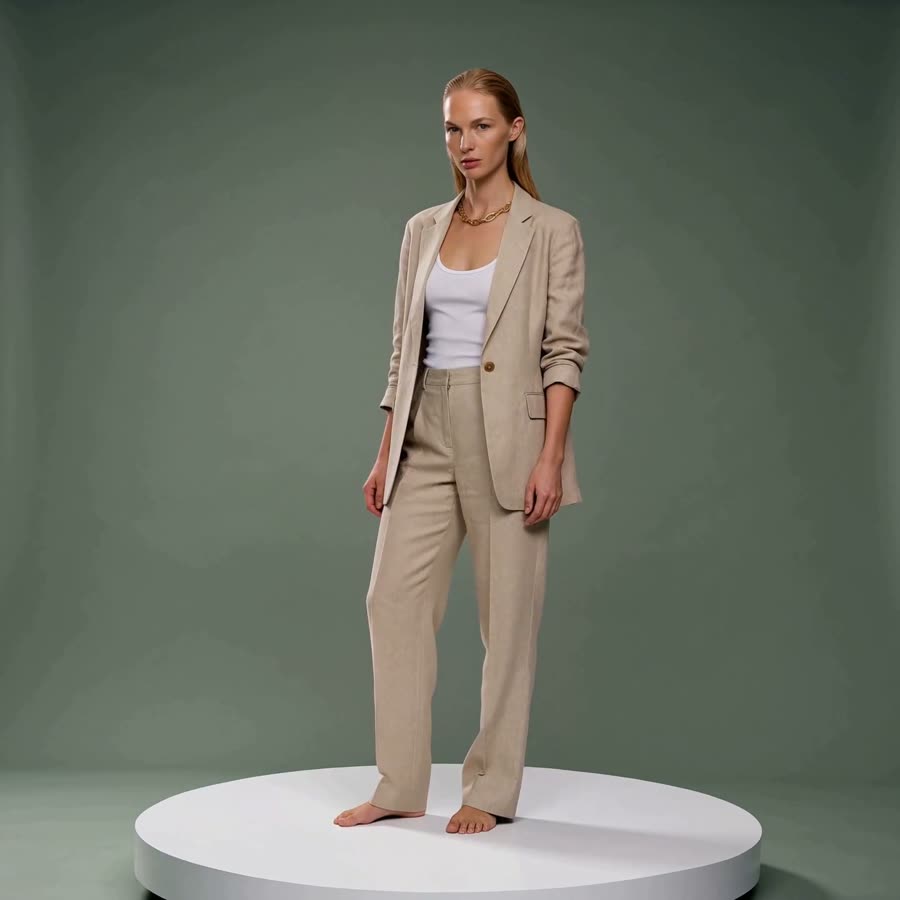
01
What MiniMax H3 is good at
Best for
- 2K clips with native stereo audio, from 5 to 15 seconds.
- Human motion and lifestyle scenes.
- Start-to-end transitions, or a clip from a prompt alone.
- Combining a face from a photo, camera language from a clip and a voice from a recording, on H3 Reference.
- Cheap drafts before a final, on H3 Max.
Reach for something else when
- Clips under 5 seconds. Kling 3.0 starts at 3, Seedance at 4.
- Single takes past 15 seconds. Seedance 2.5 runs up to 30.
- A silent clip on base H3, where audio is always on. Kling 3.0 or Seedance lets you switch sound off.
In Misu
- All three endpoints are featured in the Video Studio: MiniMax H3, H3 Reference and H3 Max.
- H3 Reference reads video clips as references, up to three, alongside subject images, picked from your Library in the Video refs section.
- Character Lock picks the identity frame closest to your shot as the start frame on H3 and H3 Max.
- When the Director writes the prompt, it uses a five-part structure: subject, action, camera and motion, environment and lighting, style.
- The Studio checks prompt length before you run. H3 and H3 Reference cap at 2,000 characters; H3 Max takes far longer prompts.
02
MiniMax H3 specs in Misu
Read from the same tables the Studio's controls use — what you see here is what you can set.
MiniMax H3
| Clip length | 5–15s |
|---|---|
| Resolution | 2K |
| Aspect ratios | 1:1 · 9:16 · 16:9 · 4:5 · 4:3 |
| Native audio | Yes |
| Start → end keyframes | Yes |
| Text-to-video (no start frame) | Yes |
MiniMax H3 — Reference
| Clip length | 5–15s |
|---|---|
| Resolution | 2K |
| Aspect ratios | 1:1 · 9:16 · 16:9 · 4:5 · 4:3 |
| Native audio | Yes |
| Start → end keyframes | No |
| Text-to-video (no start frame) | No |
| Reference images | Up to 9 |
| Reference clips | Up to 3 |
MiniMax H3 Max
| Clip length | 5–15s |
|---|---|
| Resolution | 768P · 480P |
| Aspect ratios | 1:1 · 9:16 · 16:9 · 4:5 · 4:3 |
| Native audio | No |
| Start → end keyframes | Yes |
| Text-to-video (no start frame) | Yes |
03
Three endpoints
MiniMax H3
Animates a start frame, pairs a start and end frame for a transition, or runs from text alone. 2K at 24fps, stereo audio every time.
MiniMax H3 Reference
Up to 9 subject images, 3 reference clips and 3 audio clips in one shot. Address them in the prompt as Image 1, Video 1, Audio 1. Each audio reference needs an image or clip alongside it.
MiniMax H3 Max
A draft tier under H3: 480p or 768p, the same 5 to 15 second range and keyframes, a seed for repeatable results, and tighter prompt adherence. Treat it as silent.
04
Prompting it for fashion and product
On H3 Reference, label every input by its job. "Image 1 is the model's face. Image 2 is the jacket. Video 1 sets the camera move." The model combines what you name, in the way you name it.
Write for 2K. Texture shows at that resolution, so describe the weave, the grain of the leather, the finish on the hardware.
Draft on Max, finish on H3. Settle framing and motion at 768p with a fixed seed, then move the prompt to base H3 for the 2K version. Keep it under 2,000 characters for the move.
Because sound is always on, write it in. A quiet studio hum is better than whatever the model chooses for you.
05
MiniMax H3 questions
Is MiniMax H3 available in Misu?
Yes. H3, H3 Reference and H3 Max are all in the Video Studio and on Canvas. Video is included from the Studio Pro plan.
How long can a MiniMax H3 clip be?
Any length from 5 to 15 seconds, on all three endpoints.
Does MiniMax H3 generate audio?
Base H3 and H3 Reference generate native stereo audio on every clip, with no off switch. H3 Max is treated as silent until its audio is confirmed.
What does it cost in tokens?
Priced per second. At current rates H3 and H3 Reference are about 145 tokens a second and H3 Max about 45. The Studio shows the exact cost before you run.
What is H3 Max for?
Drafting. It trades 2K for 480p or 768p at a fraction of the price, adds a seed, and keeps the same keyframes and length range, so a motion settled on Max carries over to H3.
Get started
MiniMax H3, directed.
Your product. Your face.
Misu picks the model per shot · Character Lock · Full commercial rights
You don't need a separate account for every model. Brief the shot in Misu, keep your product and your cast locked, and the Studio routes to the model that fits.
PRIVATE BETA · ONBOARDED PERSONALLY · FOUNDING PRICING LOCKED